
 Afbeelding 1 van 11
 Afbeelding 2 van 11
 Afbeelding 3 van 11
 Afbeelding 4 van 11
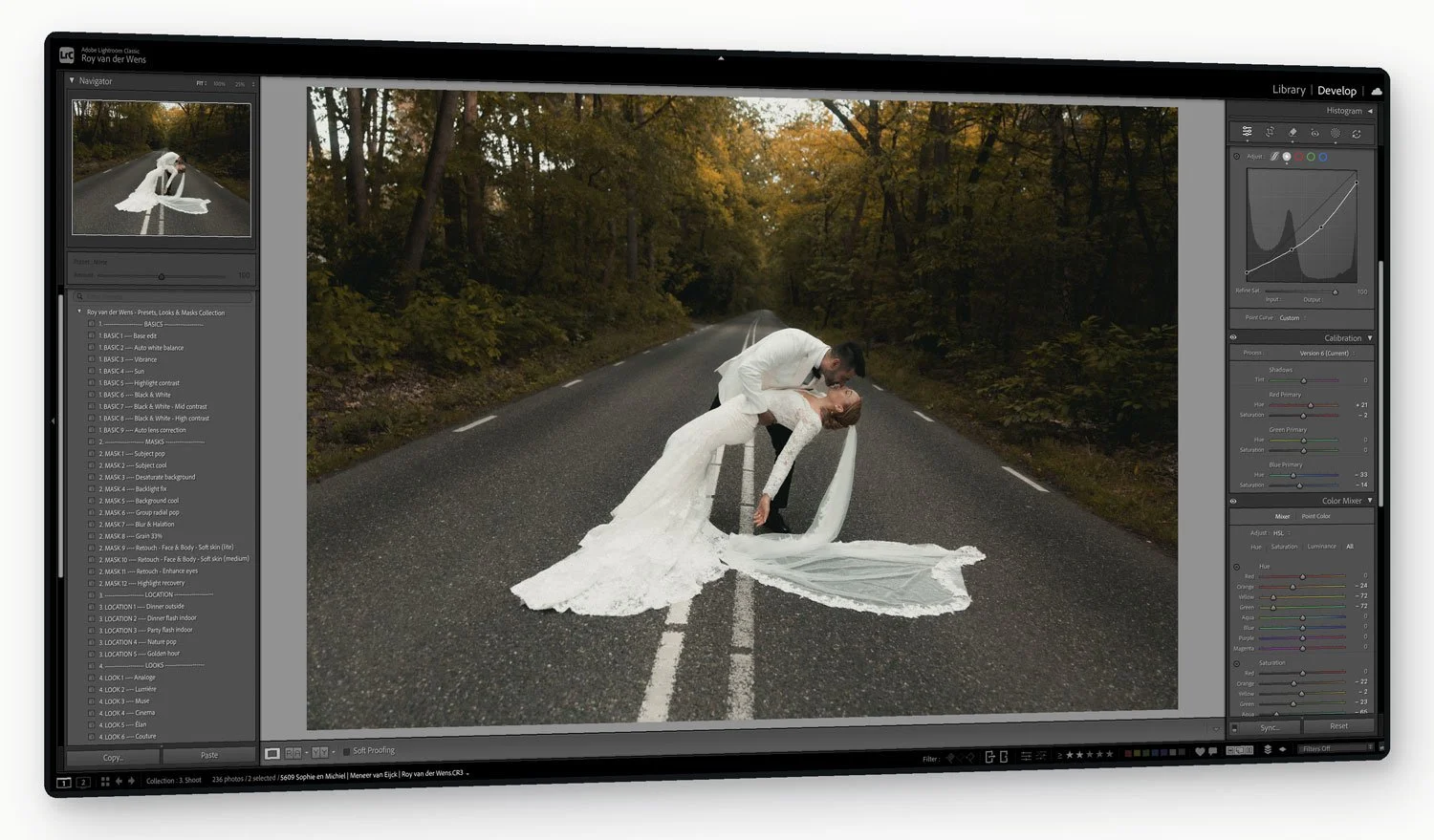 Afbeelding 5 van 11
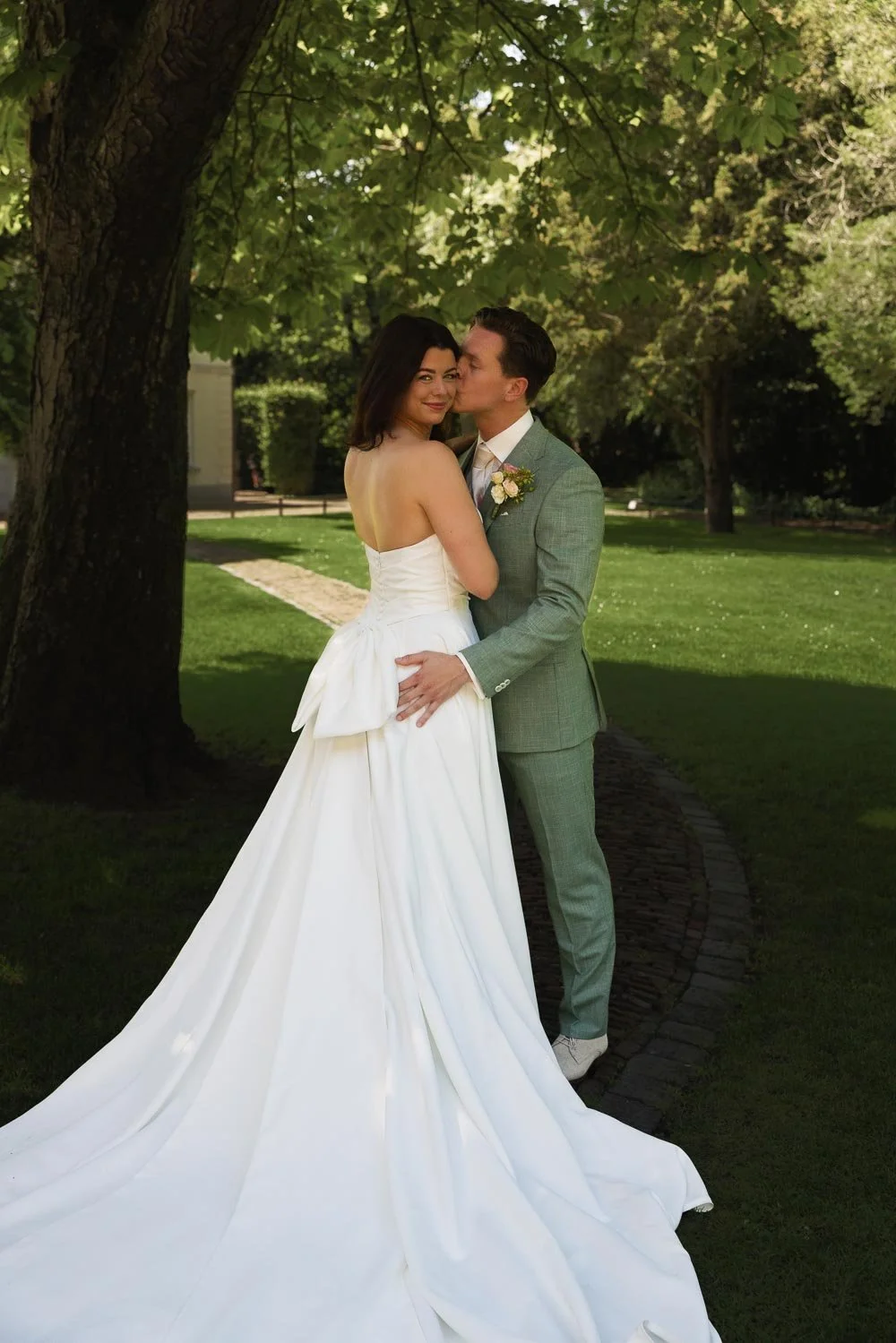 Afbeelding 6 van 11
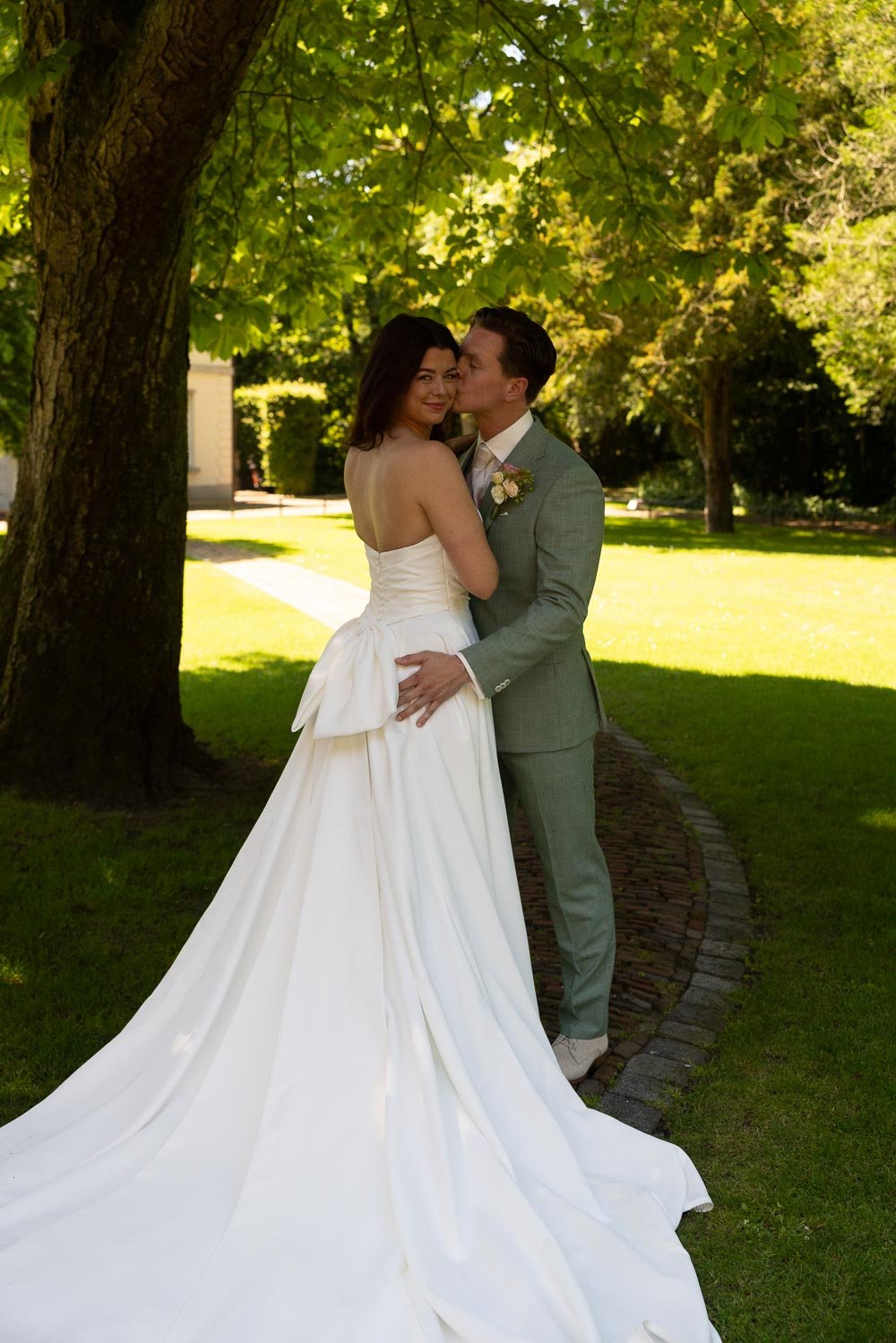 Afbeelding 7 van 11
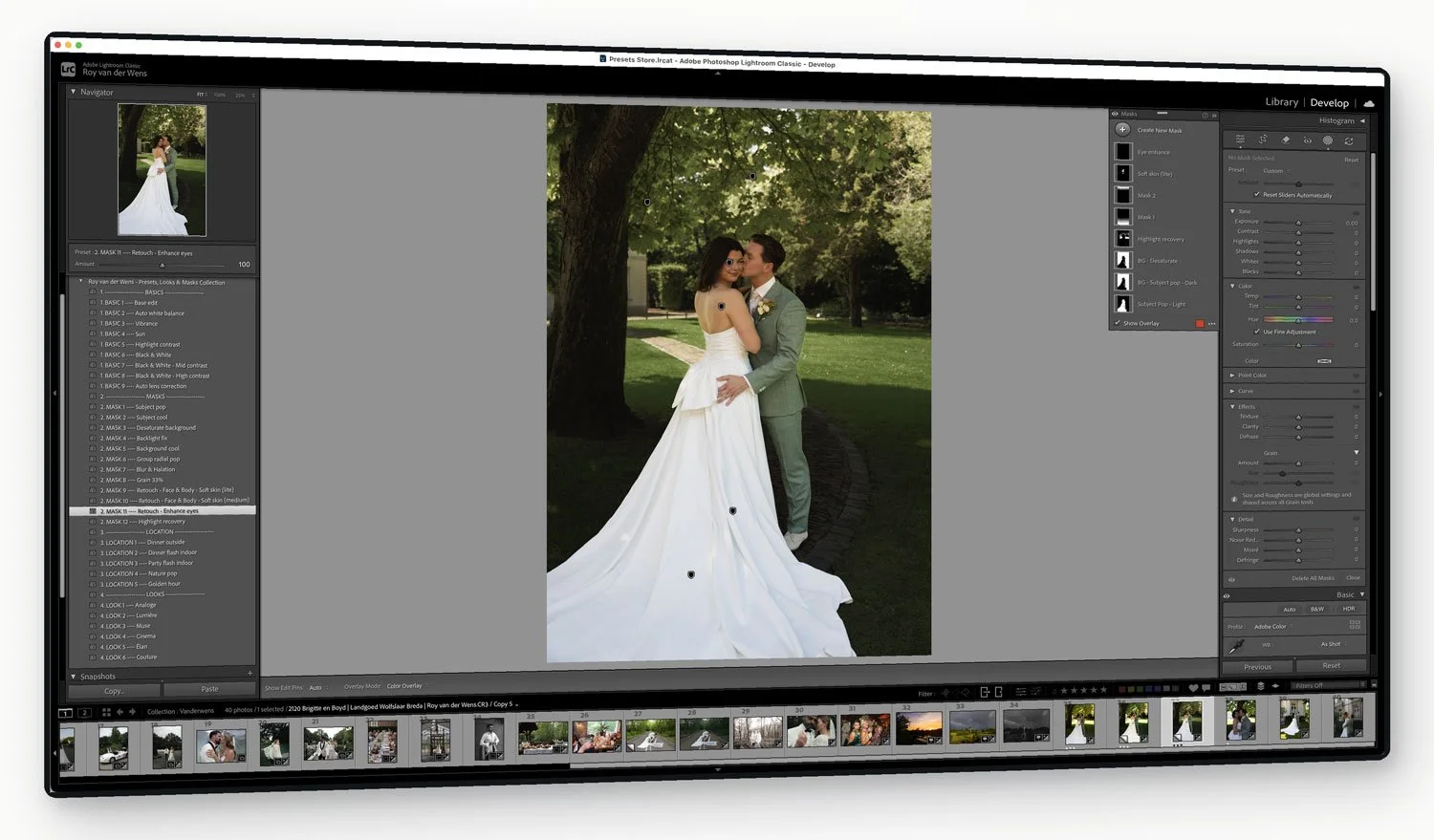 Afbeelding 8 van 11
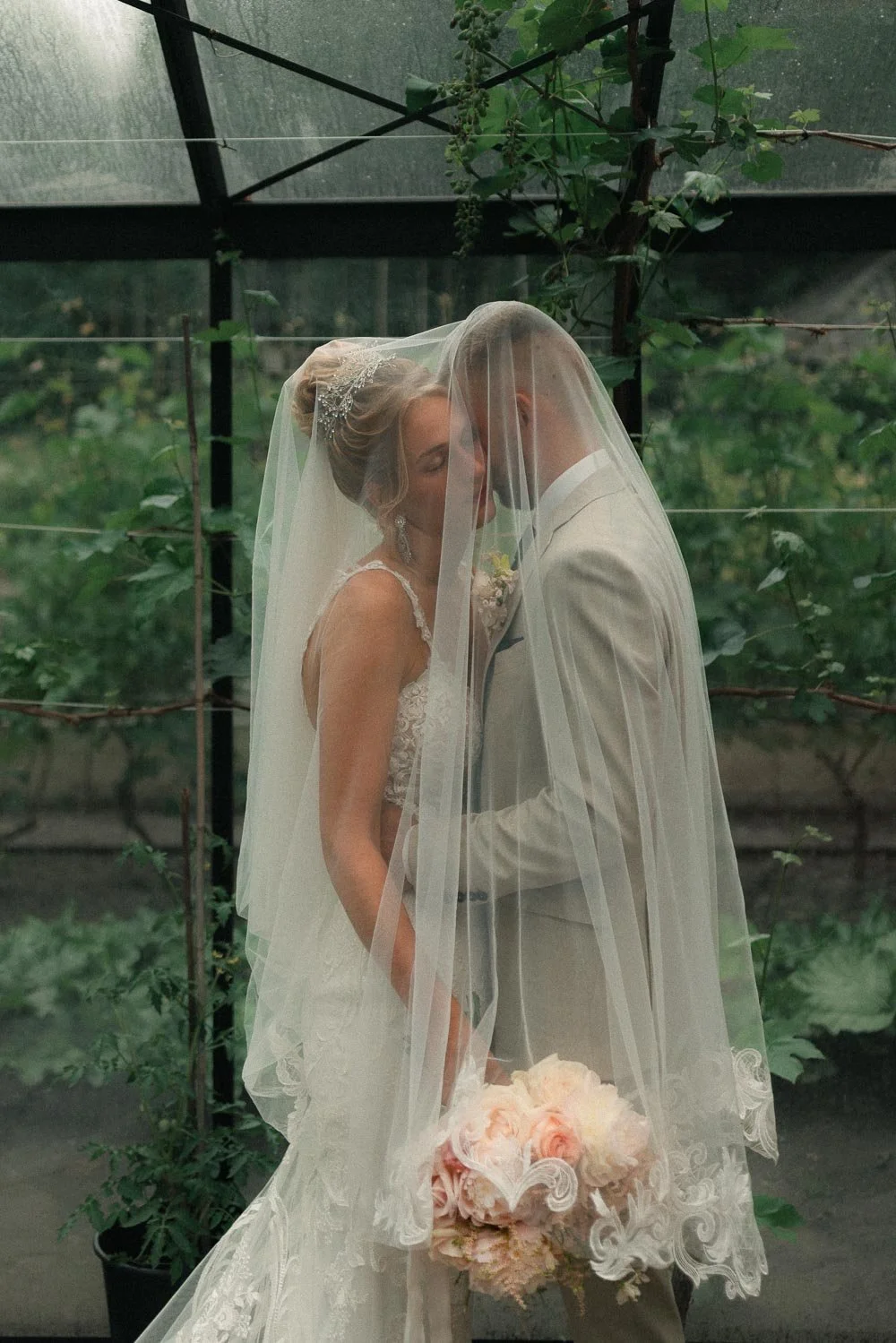 Afbeelding 9 van 11
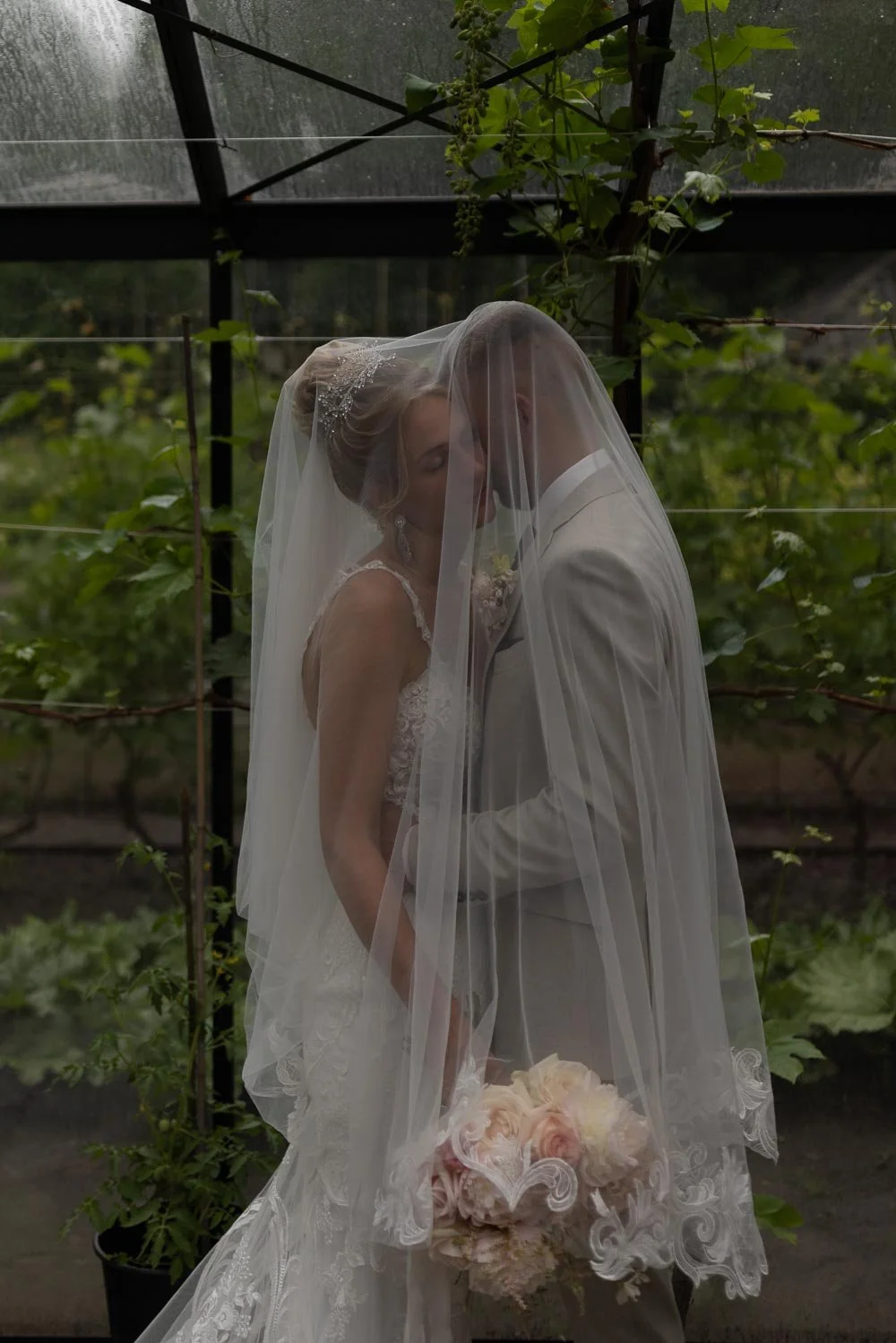 Afbeelding 10 van 11
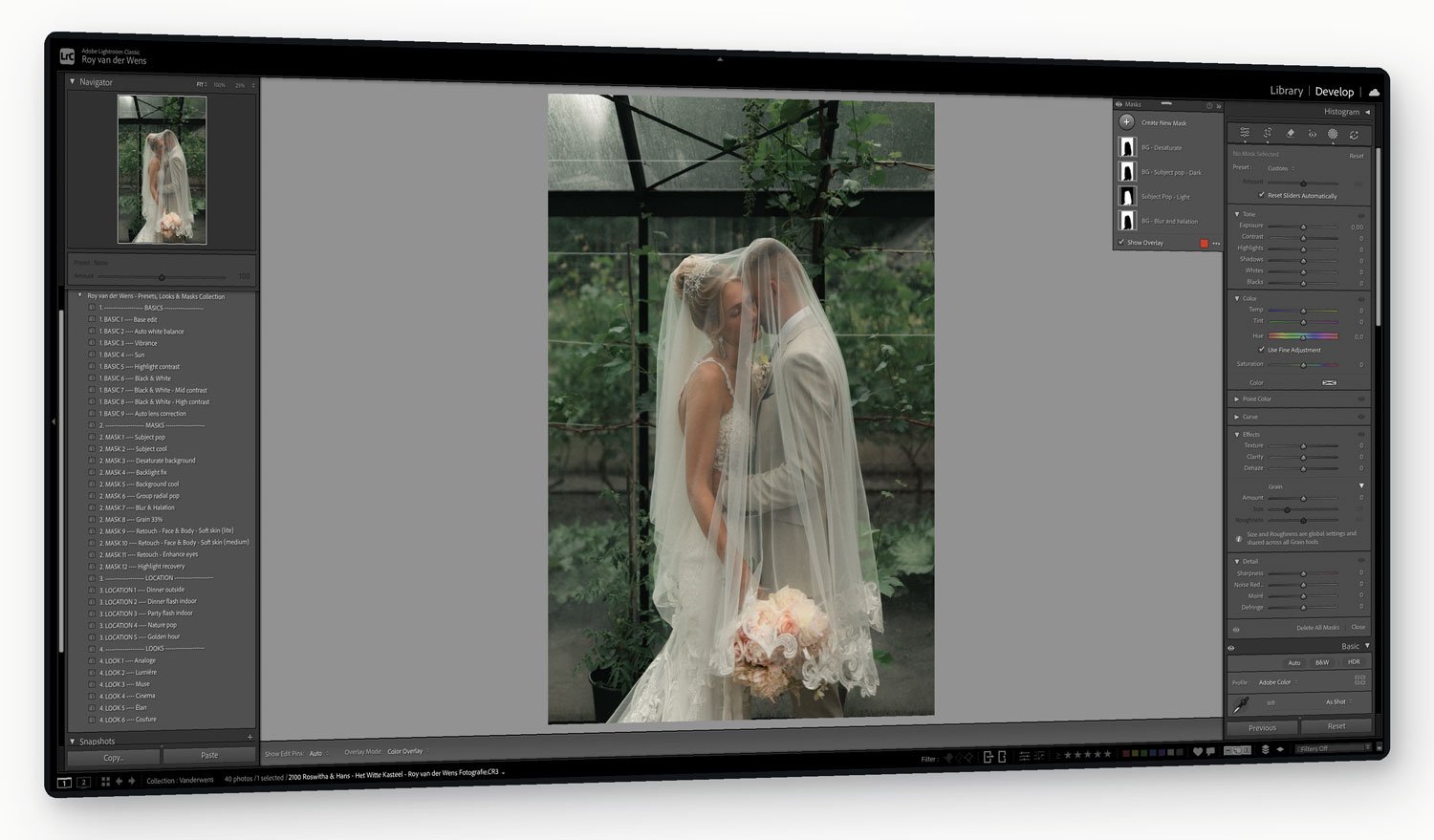 Afbeelding 11 van 11
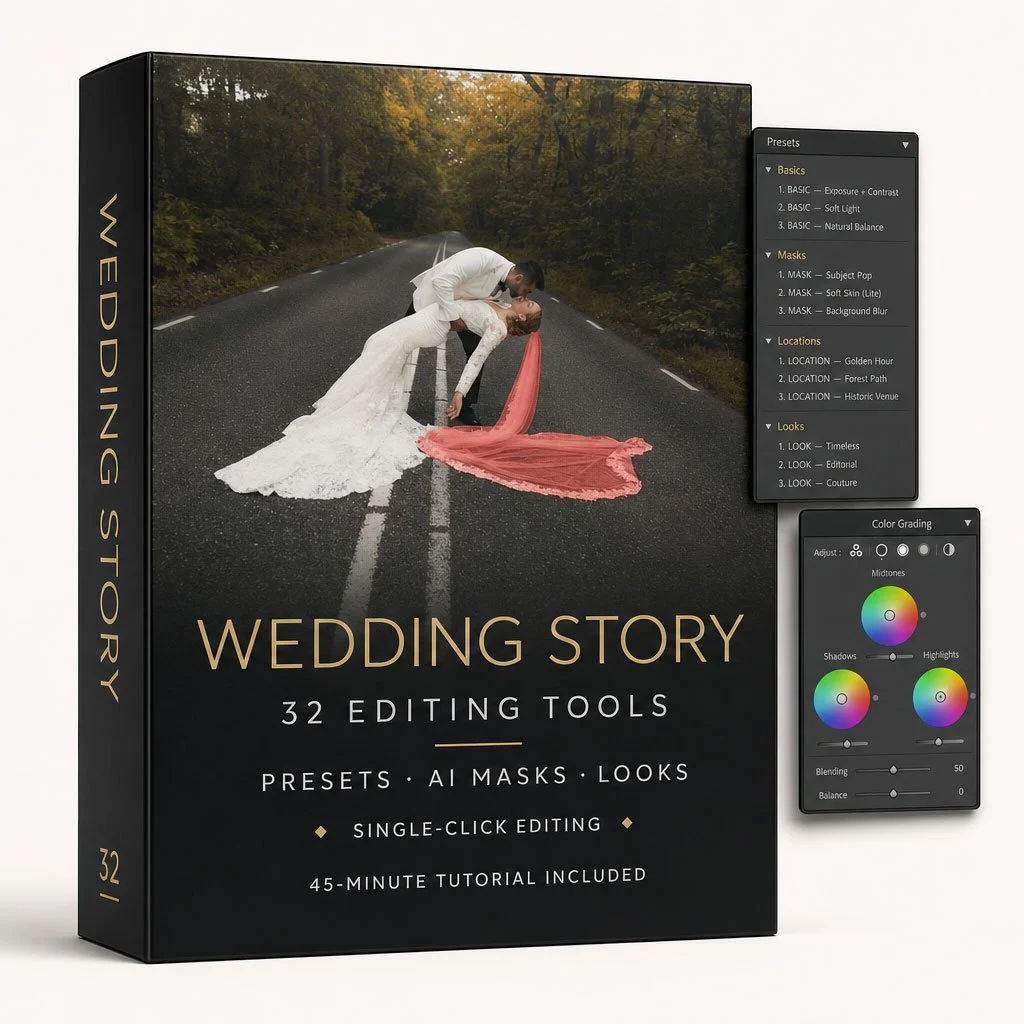
Wedding Story Collection – 32 Lightroom Presets, Looks & AI Masks
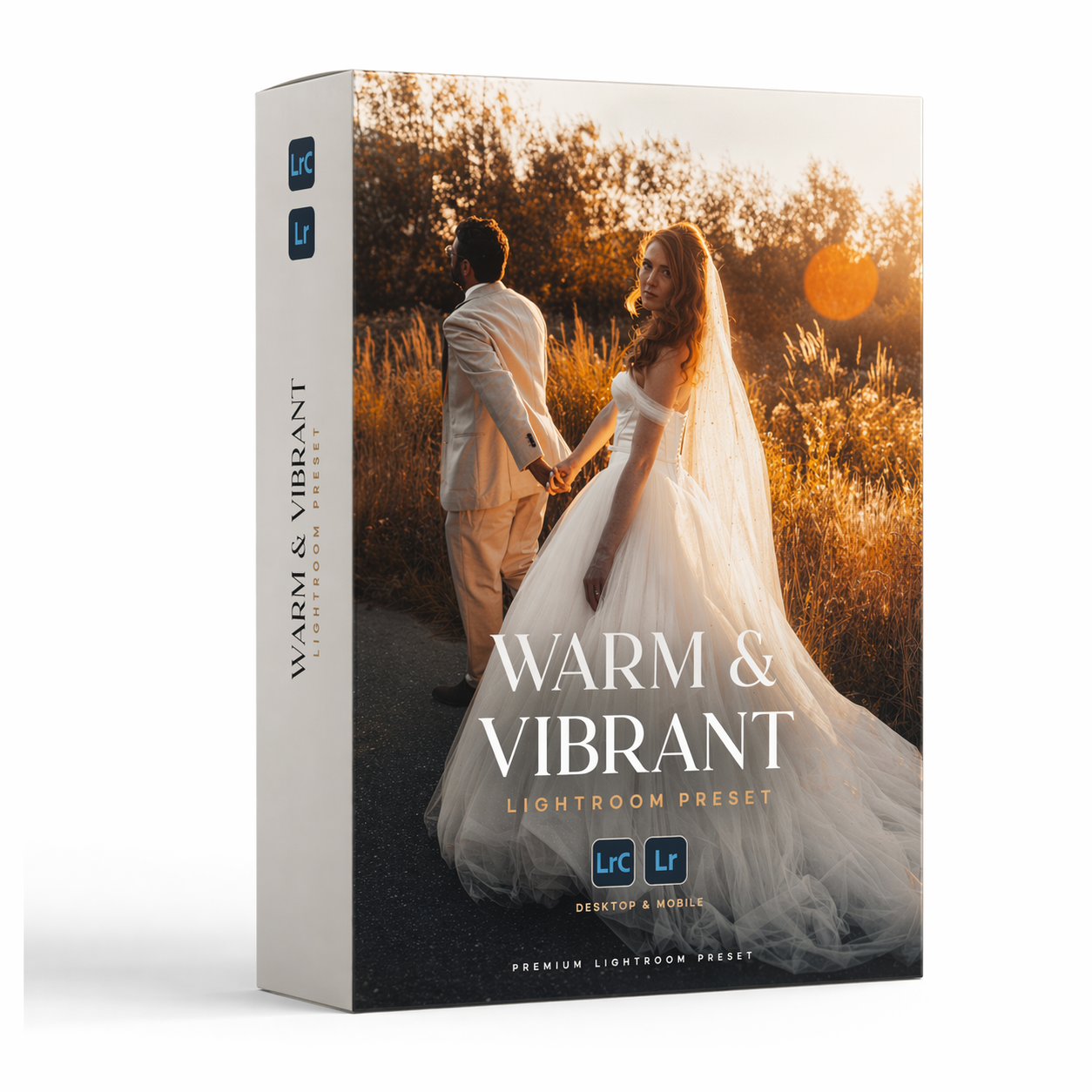
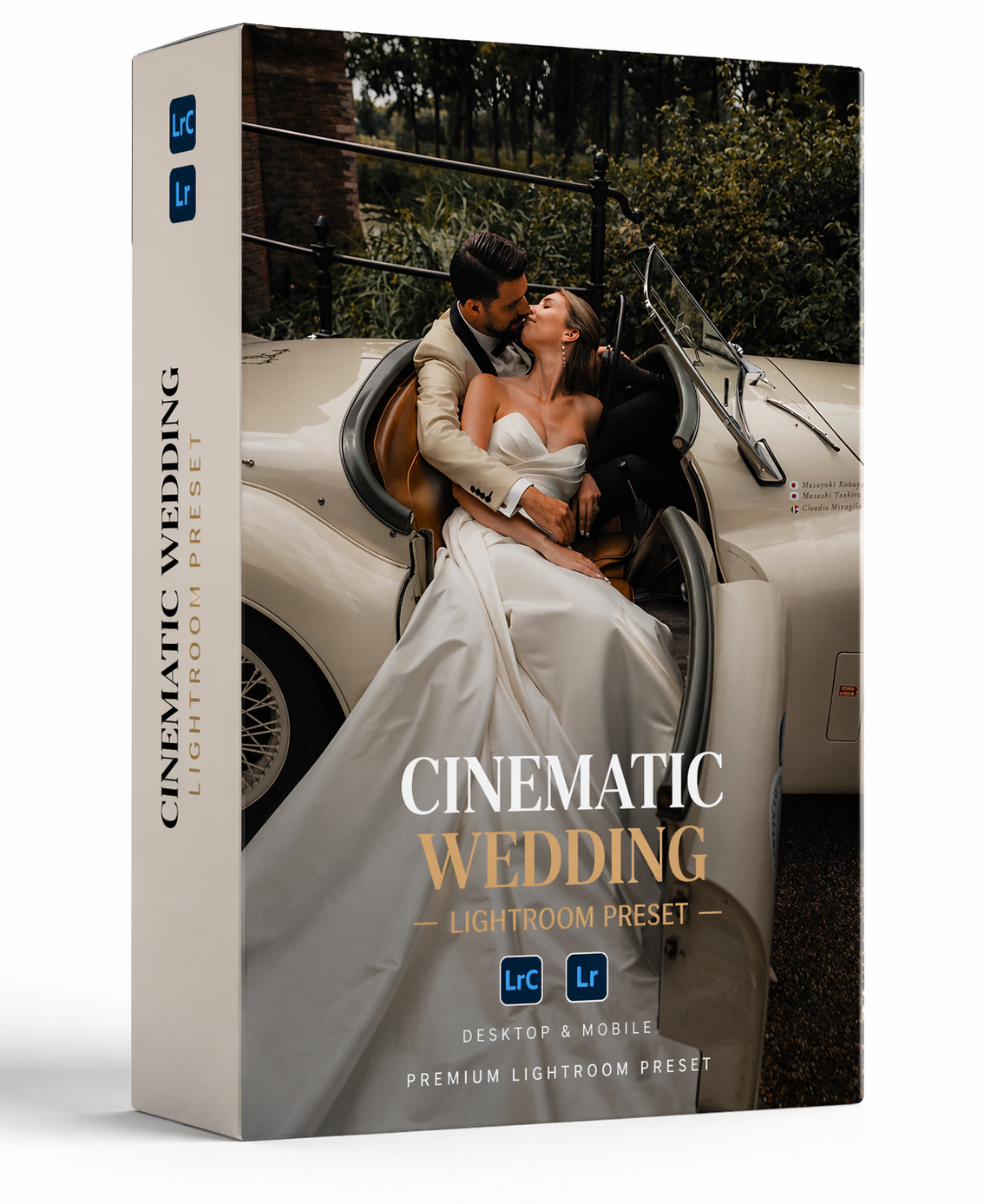
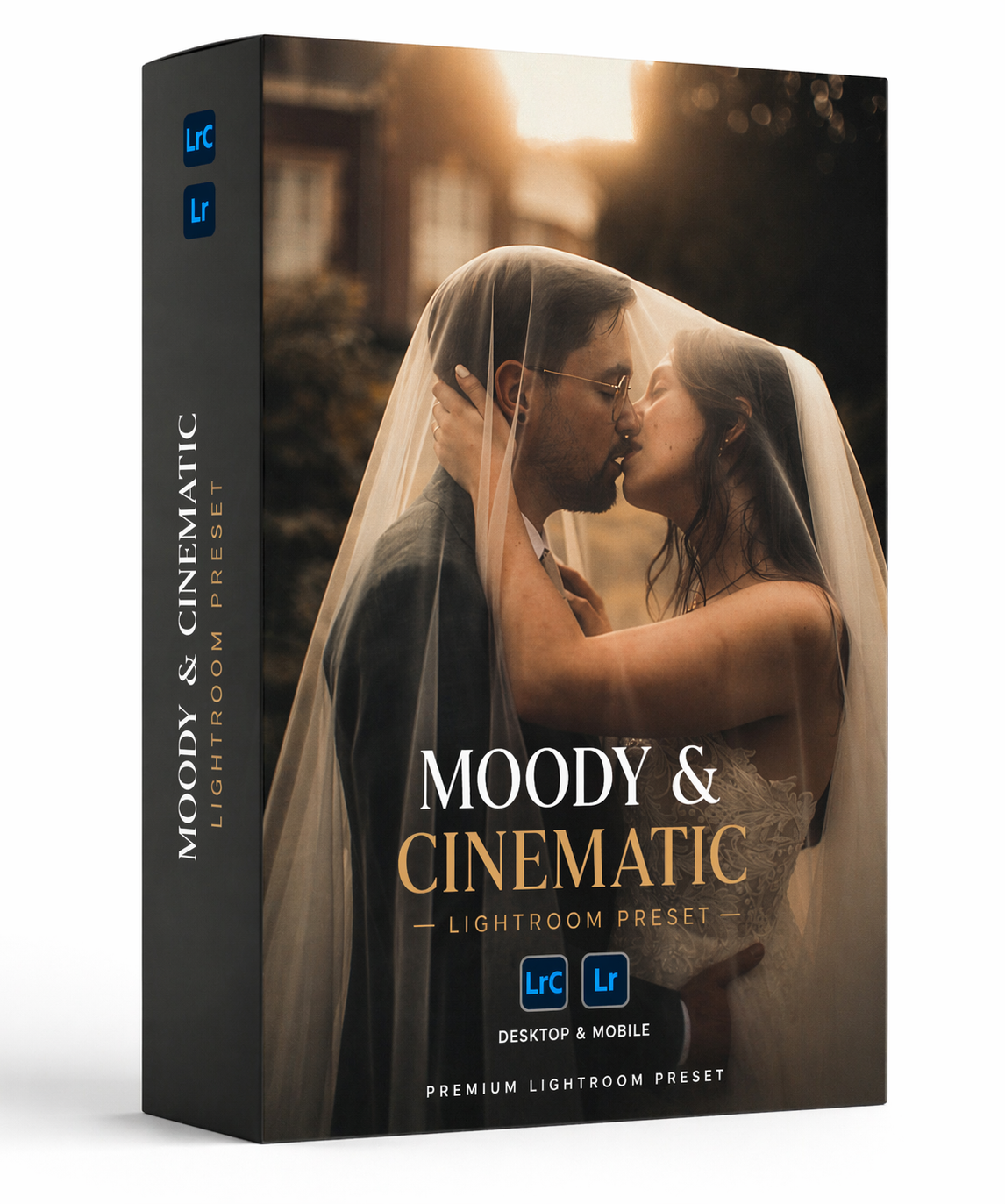

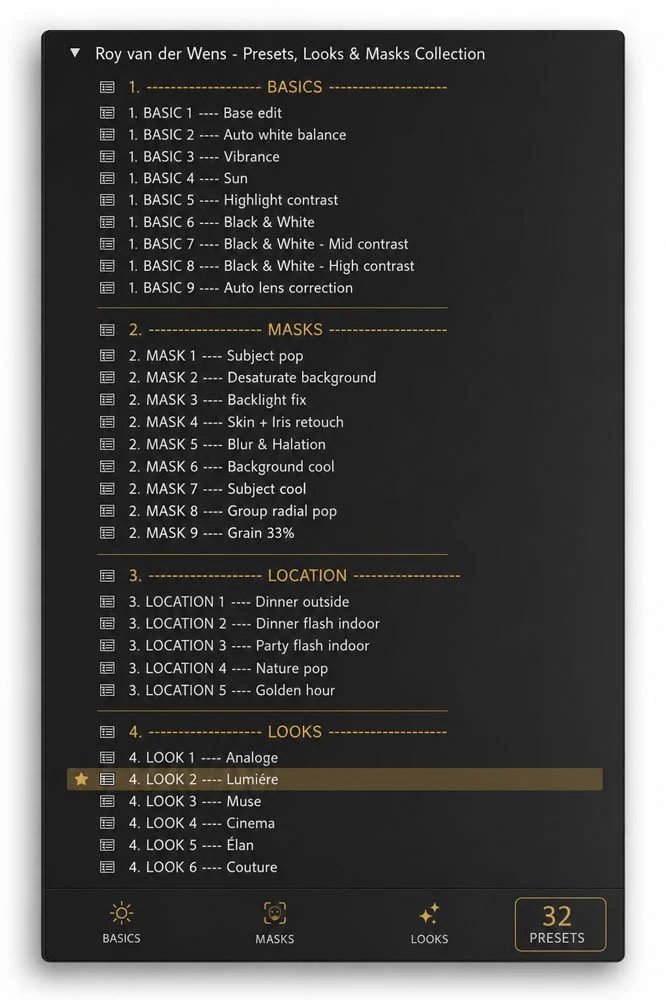
Package content
9 Basic Presets
Base Edit — A clean and consistent starting point for your RAW files.
Auto White Balance — Automatically corrects the overall color temperature.
Vibrance — Adds controlled color and energy without excessive saturation.
Sun — Softens harsh sunlight and reduces aggressive contrast.
Highlight Contrast — Adds depth and stronger tonal separation.
Black & White — A clean, timeless monochrome conversion.
B&W Medium Contrast — A deeper black-and-white edit with extra impact.
B&W High Contrast — A bold and dramatic monochrome finish.
Auto Lens Correction — Applies Lightroom’s available lens profile correction.
12 Adaptive AI Masks & Retouching Tools
Subject Pop — Brightens the subject and subtly darkens the background.
Subject Cool — Reduces excessive warmth in the subject.
Desaturate Background — Controls distracting colors and dominant greens.
Backlight Fix — Balances subjects photographed against strong backlight.
Background Cool — Adds a cooler tone to the background only.
Group Radial Pop — Directs attention towards groups and central subjects.
Blur & Halation — Creates a soft, atmospheric diffusion effect.
Grain 33% — Adds controlled film-inspired texture.
Soft Skin Light — Applies subtle face and body skin refinement.
Soft Skin Medium — Creates a stronger but adjustable retouching effect.
Enhance Eyes — Adds subtle definition and brightness to the eyes.
Highlight Recovery — Controls bright areas while protecting detected people.
5 Location & Lighting Presets
Dinner Outside — A balanced starting point for outdoor dinner photography.
Dinner Flash Indoor — Refines indoor dinner images photographed with flash.
Party Flash Indoor — Adds impact, contrast and energy to party photographs.
Nature Pop — Enhances natural colors and outdoor scenery.
Golden Hour — Creates a warmer, richer golden-hour finish.
6 High-End Finishing Looks
Analogue — A refined, film-inspired color grade.
Lumière — A luminous and elegant wedding finish.
Muse — A soft, artistic and editorial color treatment.
Cinema — A deeper, cinematic interpretation.
Élan — An expressive look with atmosphere and character.
Couture — A polished, high-end editorial finish.
Compatible with:
For full access to all presets and adaptive AI masks:
✅ Adobe Lightroom Classic 12.0 or later
✅ Adobe Lightroom Desktop 6.0 or later
✅ Adobe Lightroom Mobile 8.0 or later for iOS and Android
✅ RAW, DNG and standard image formats supported by Lightroom
For the best compatibility, use the latest available version of Lightroom.
How to install?
Complete step-by-step installation instructions are included with your purchase.
Why Choose Wedding Story?
More than a one-click look
Most preset packs only change the color grade. Wedding Story helps you build the complete edit—from the initial RAW conversion to the final finishing look.
Edit professionally in just a few clicks
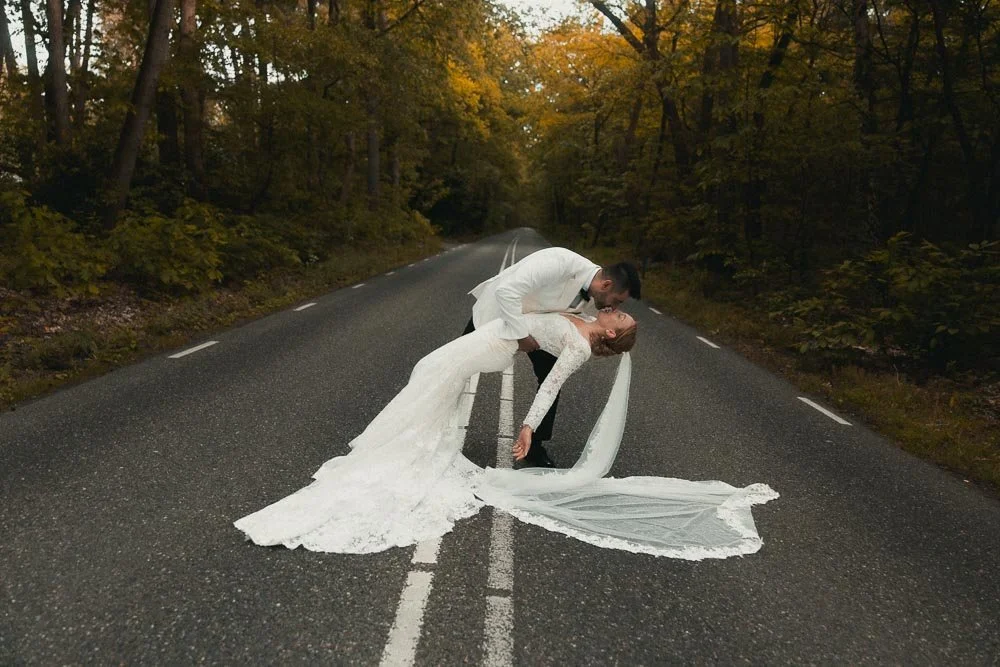
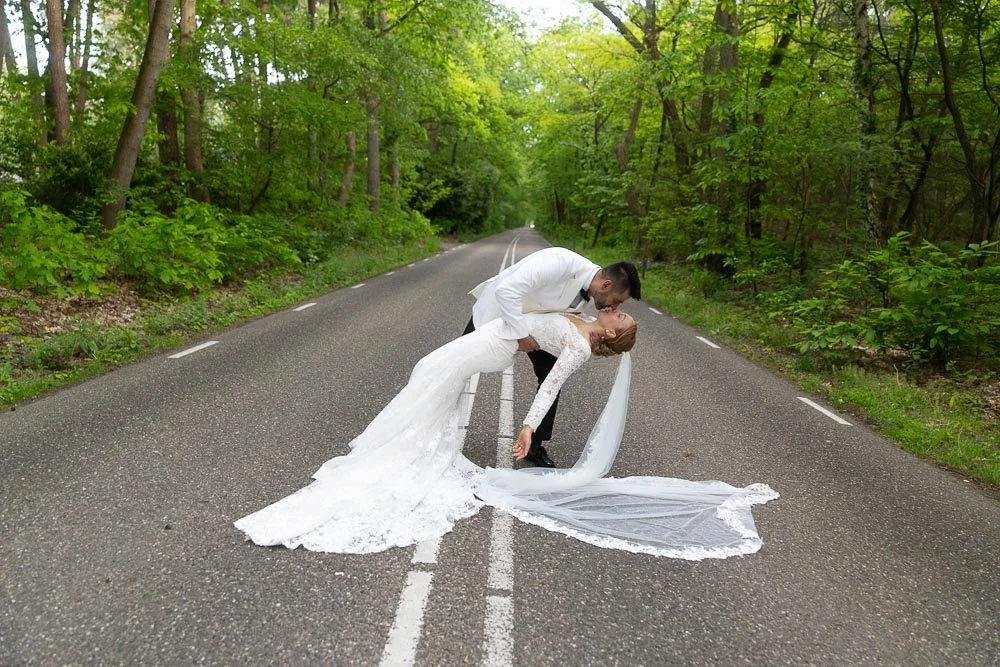
Correct white balance, manage challenging light, separate subjects from backgrounds, retouch skin, recover highlights and apply a professional color grade without rebuilding the same adjustments for every photograph.
Designed for real wedding conditions
The collection includes dedicated tools for hard sunlight, backlight, indoor flash, outdoor dinners, parties, nature and golden hour—not just perfectly lit portfolio photographs.
A flexible, stackable workflow
Use only what each image needs. Every tool has a clear purpose and can be combined, adjusted or removed without destroying the rest of your edit.
Consistency without losing your style
Create a recognisable editing foundation across an entire wedding gallery while retaining control over exposure, white balance, masks and creative color grading.
Built to become your final editing system
Wedding Story is designed as a complete foundation you can continue using as your style develops. You can change finishing looks, add your own looks and refine individual settings without rebuilding your entire preset workflow.
You are not buying another temporary preset trend. You are investing in a complete Lightroom editing system designed to remain useful throughout your photography career.
Legal Notice & License Agreement
By purchasing and using these presets, you agree to the following terms:
• Personal & Professional Use Only – These presets are licensed for personal and professional use in editing your own photography or client work.
• Resale & Redistribution Prohibited – You may not resell, redistribute, share, or modify these presets for resale under any circumstances. This includes selling them as part of a bundle, giving them away for free, or including them in any digital product or service.
• No Claim of Ownership – You cannot claim these presets as your own or falsely represent them as being created by you.
• Legal Action & Copyright Protection – Unauthorized distribution or commercial exploitation of these presets is a violation of copyright law and will result in legal action. If you are found reselling, sharing, or redistributing these presets without permission, you may be subject to fines and legal consequences.
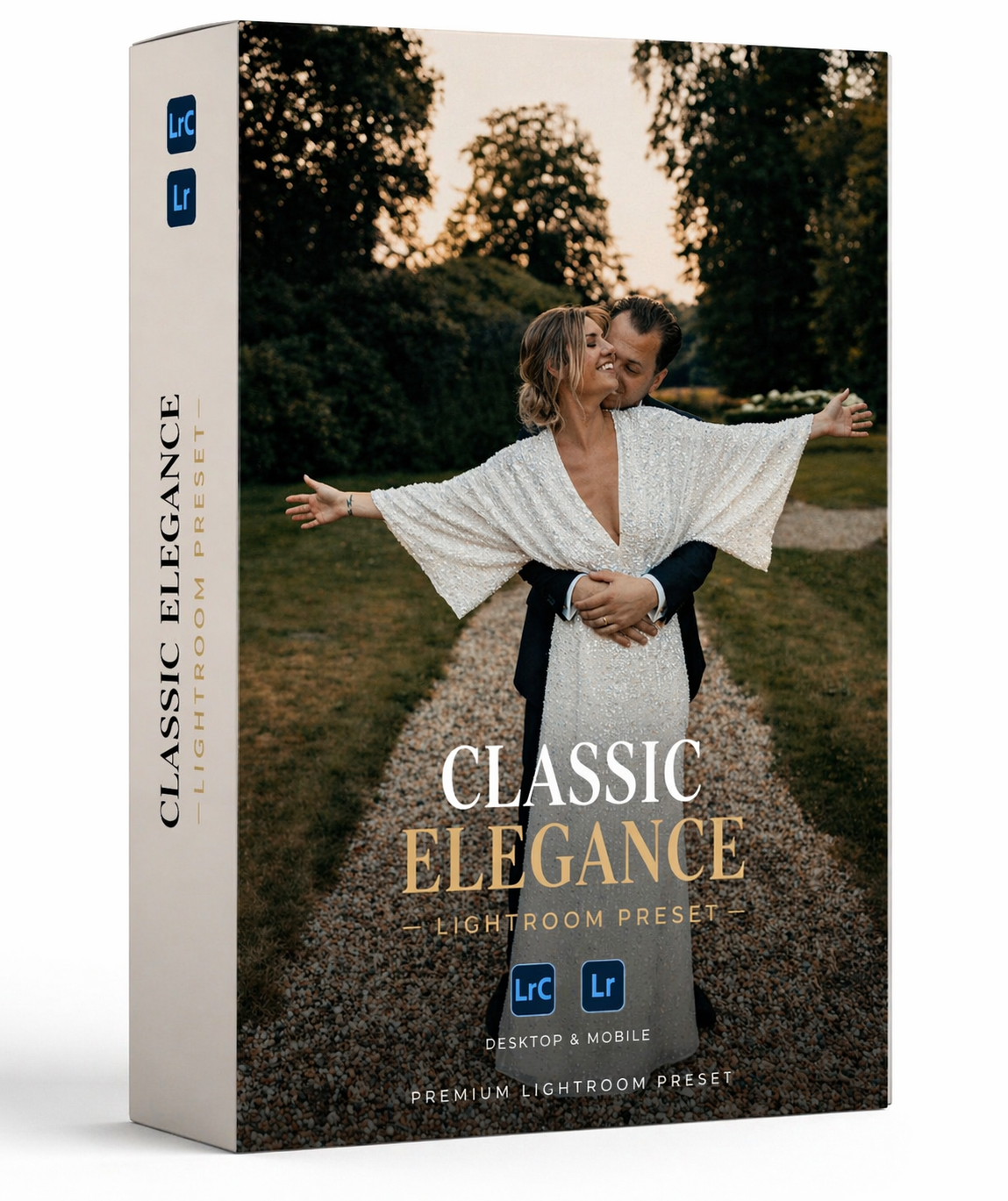
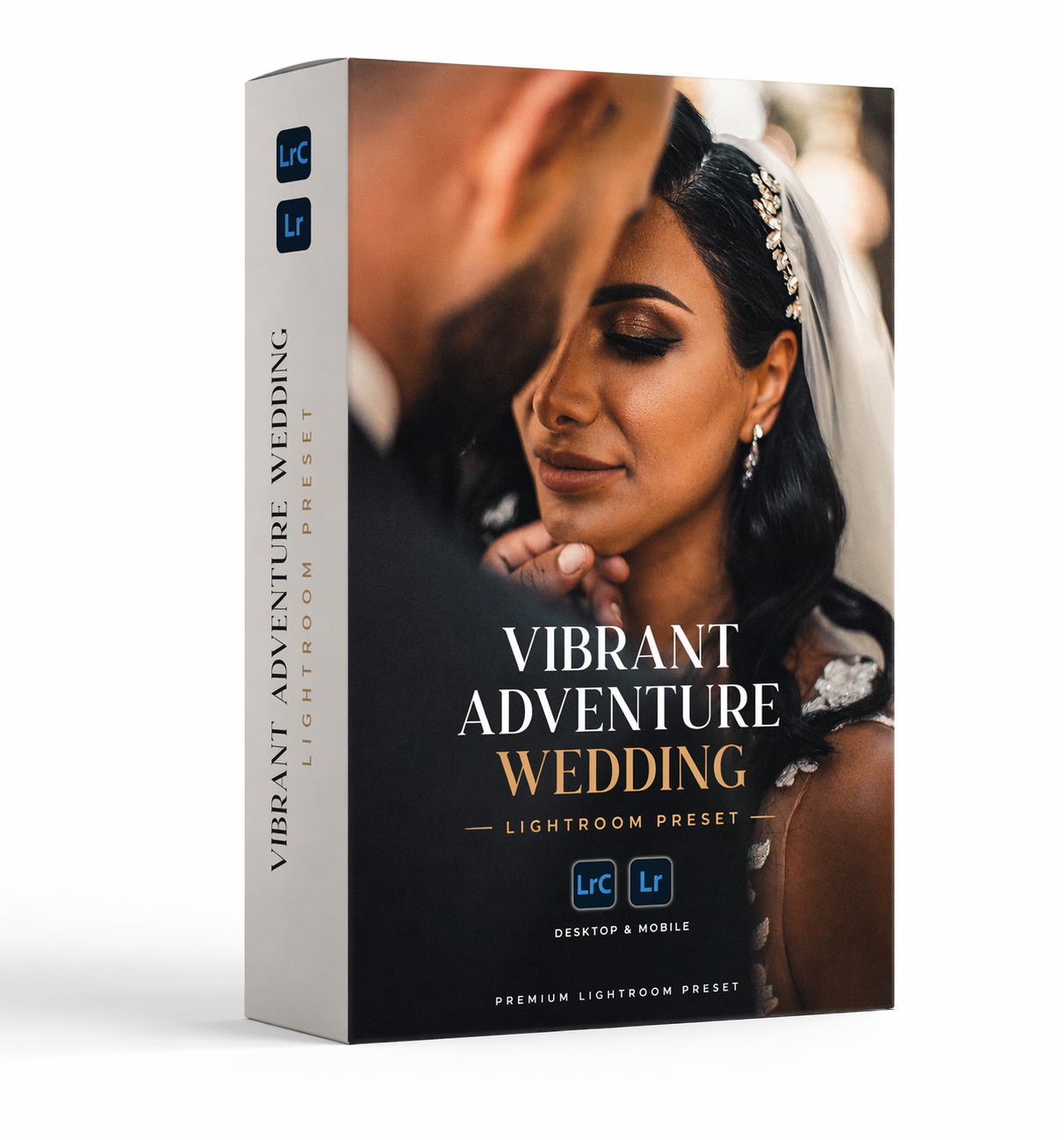

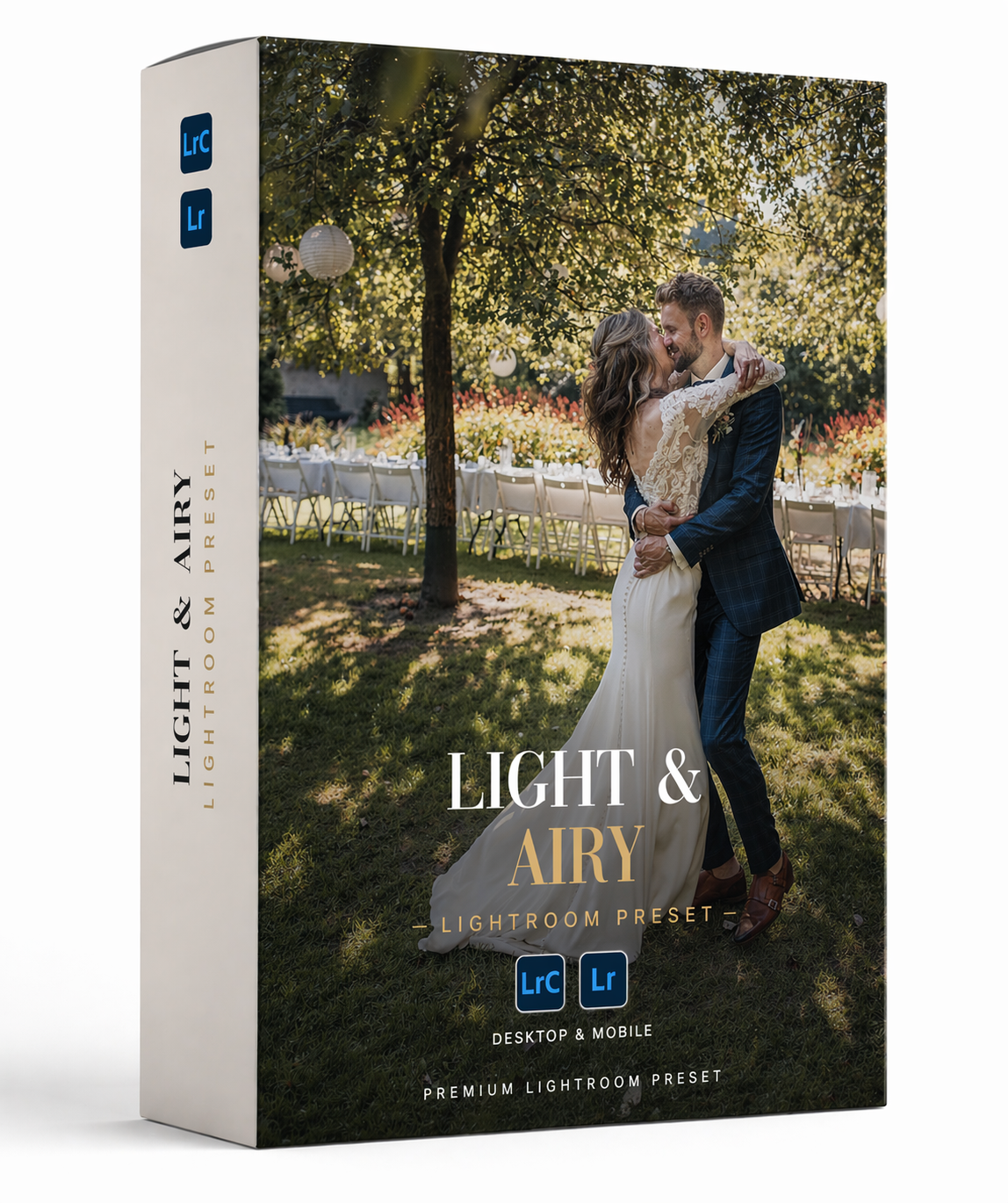
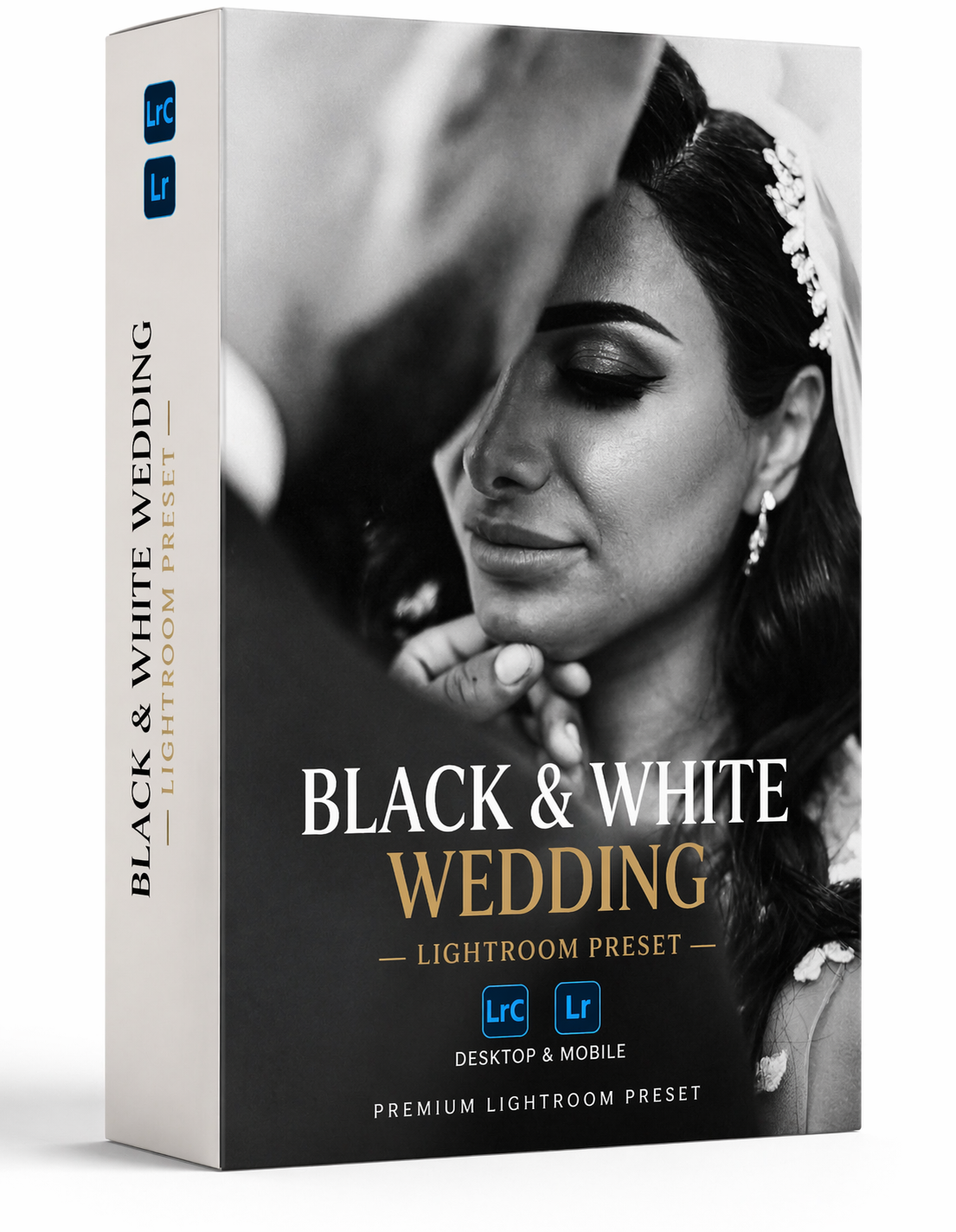

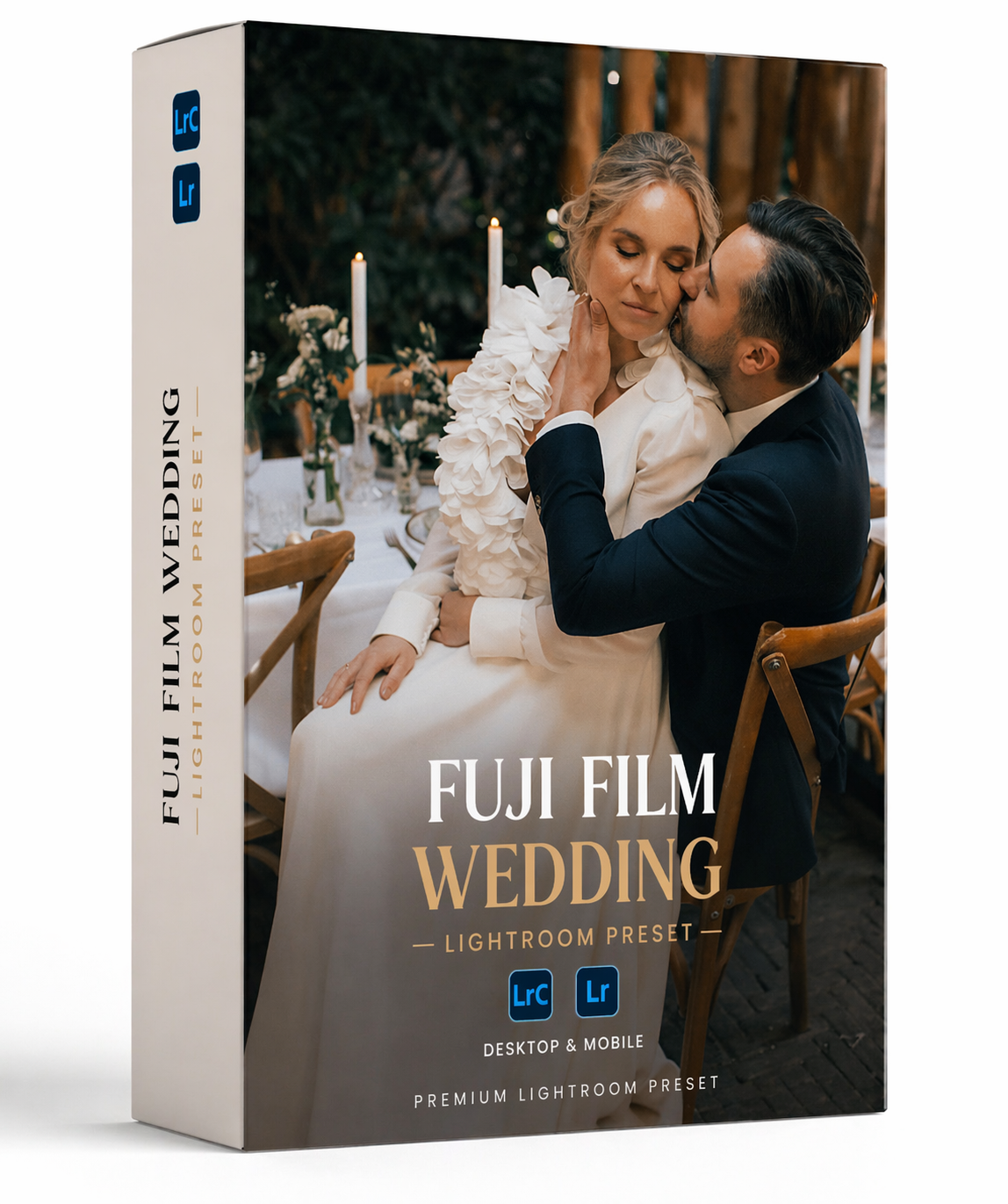
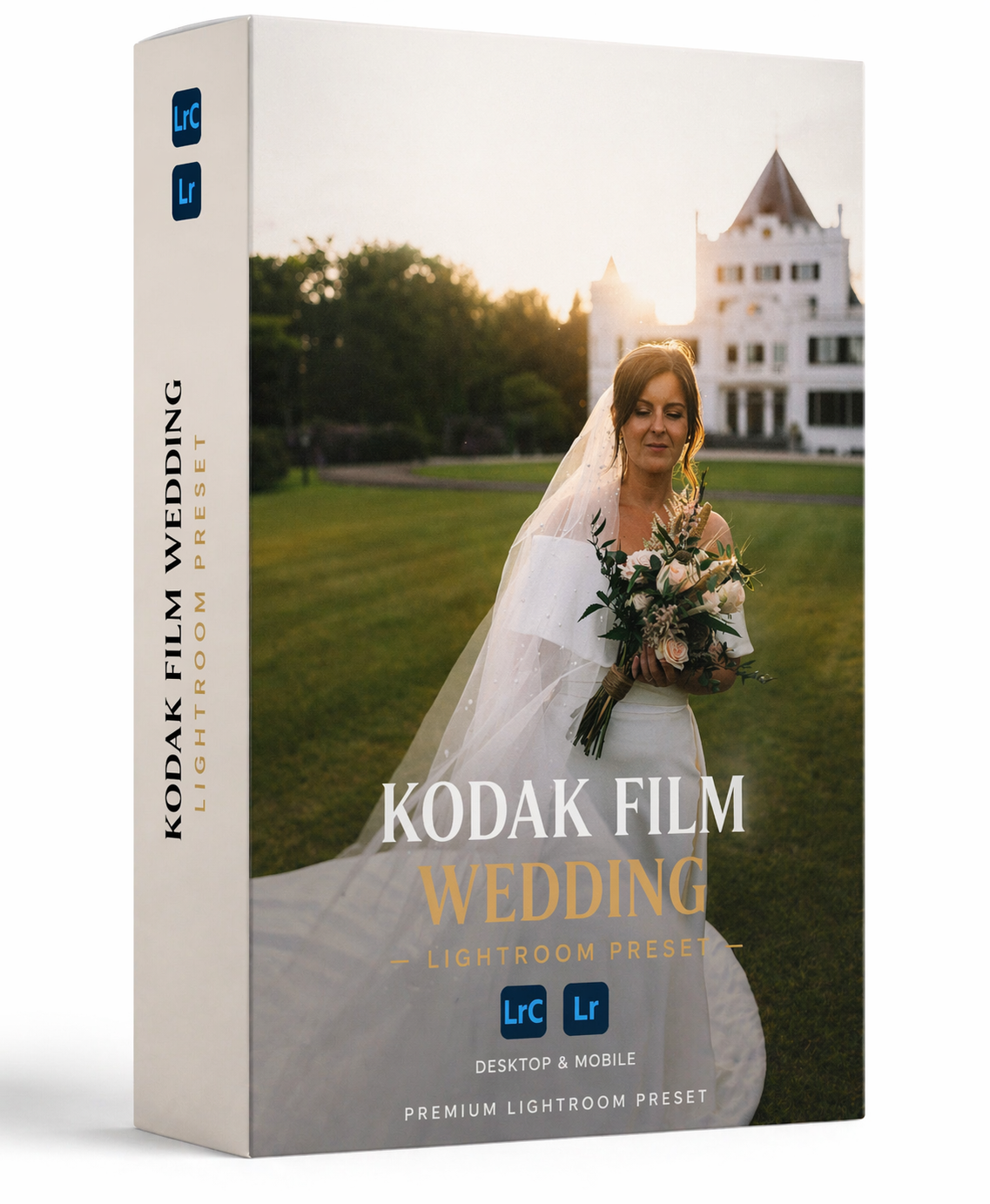
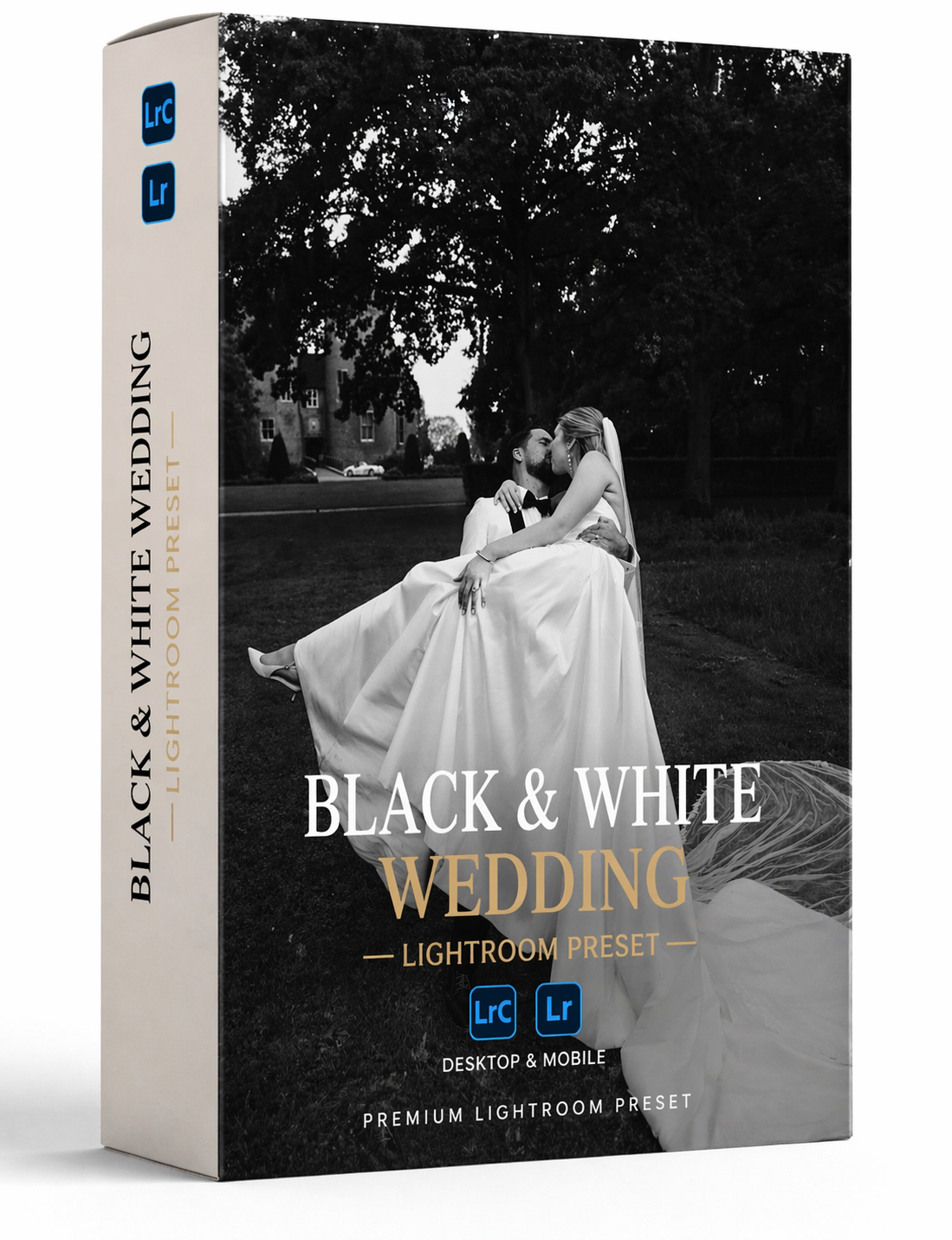
Create a professional look with a couple of clicks! A complete Lightroom editing workflow for wedding photographers. Wedding Story combines 32 stackable presets, adaptive AI masks, lighting corrections and high-end finishing looks, helping you build consistent, professional edits instead of relying on a single one-click look. Including a 45 min tutorial video to help you get the best results!